
Manage customer messages
and bookings
Give your team one place to respond to customers and follow up on tattoo inquiries.
01 Customer conversations Manage customer
Manage customer
conversations
Connect Instagram, Messenger, WhatsApp, LINE, and SMS in one inbox. View customer details and conversation history while replying. Use quick replies, personalized templates, suggested responses, and autocorrect to respond efficiently.
- Five messaging channels in one inbox
- Saved replies, templates & writing assistance
- Find and share portfolio examples from the conversation
Inbox 


Jamie Lewis
Instagram
Assigned to Maya
Instagram
Write a message…
Quick replies Portfolio Templates
Send
02 Opportunities & follow-ups Track inquiries
Track inquiries
and automate follow-ups
See which inquiries are new, qualified, on hold, booked, or lost. Automatic opportunity detection identifies new tattoo inquiries from incoming messages. Send automated follow-ups to customers as your team works toward a booking.
- New, Qualified, Hold, Won & Lost stages
- Automatic detection of new tattoo inquiries
- Automated customer follow-up messages
Enable JavaScript to explore this workflow.
03 Deposits & onboarding Collect deposits
Collect deposits
and onboard customers
Send customers a link to provide their details, complete a tattoo questionnaire, and pay their deposit online. Keep their answers and payment record connected to the booking so your team has the information needed to prepare.
- Customer portal for onboarding
- Questionnaires to collect tattoo requirements
- Online deposits linked to the booking
Tell us about your tattoo
A few details to help your artist prepare.
Your name
Jamie Lewis
What would you like?
A botanical sleeve with fern leaves and fine-line details.
Placement
Left forearm
Style
Fine line · Black and grey
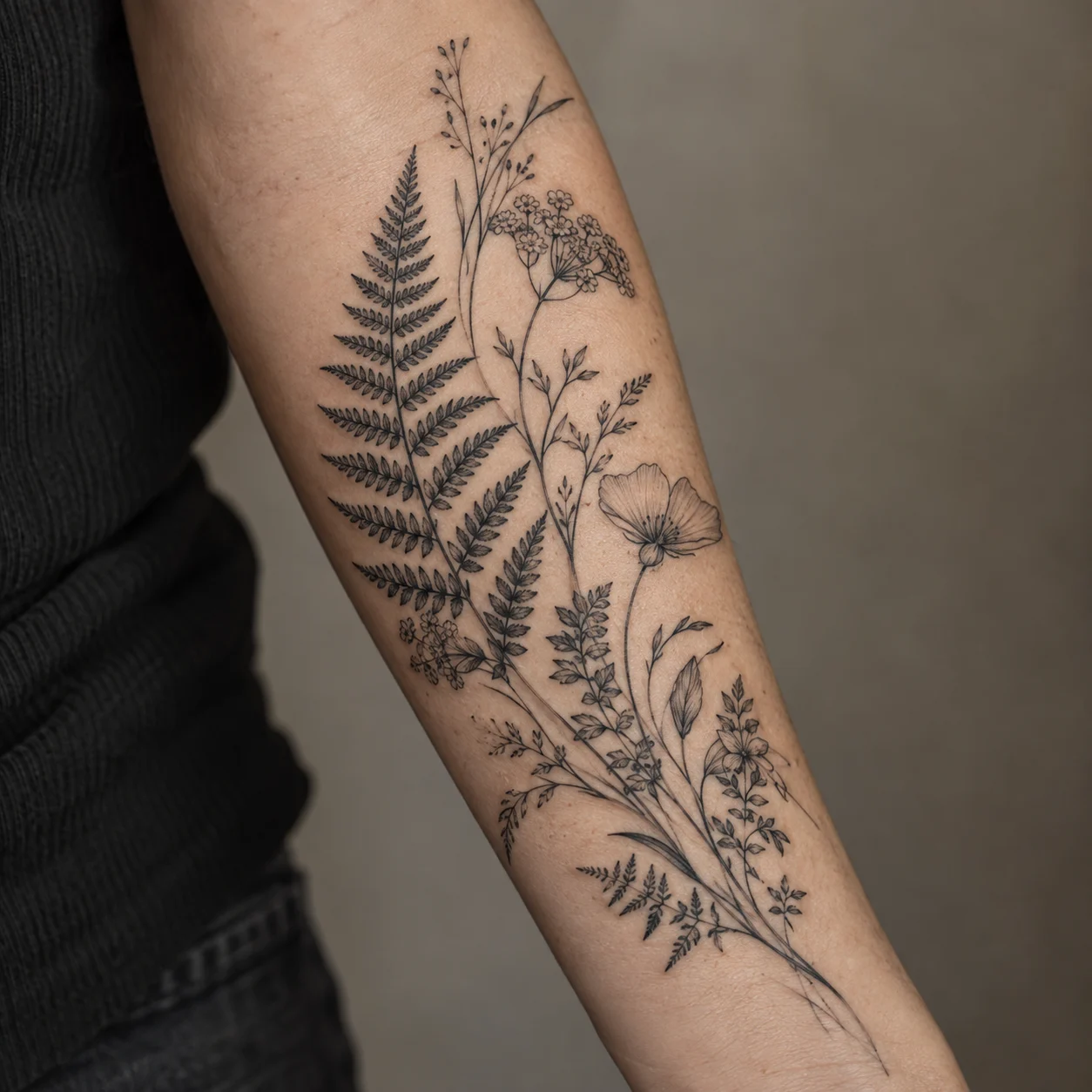 Reference photobotanical-reference.jpg
Deposit payment
Confirm your booking Pay your deposit
Botanical sleeve with Maya Chen24 September · 10:00
$200USD
Credit or
debit cardVISA
Name on card
Jamie Lewis
Card number
1234 1234 1234 1234
Expiry date
MM / YY
Security code
CVC
Your deposit is applied to your tattoo booking.
How it works 01 02 03
Qualify the tattoo idea
Book and collect the deposit
Book a demo
Book a demo
See TattooIQ in action
Explore the software with a walkthrough tailored to your studio.